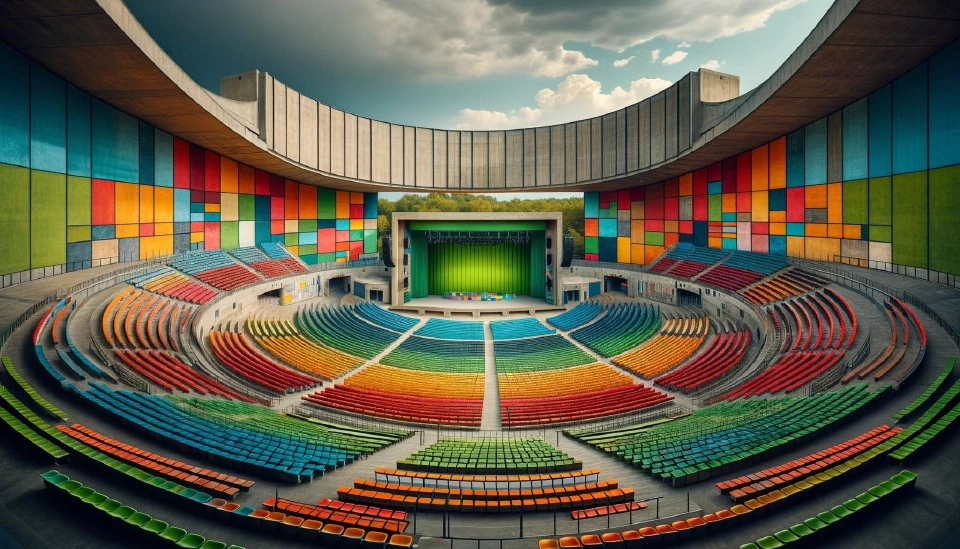
Enhancing User Experience: Customizing Seat Maps for Different Events
Seat maps are the digital blueprints of an event, guiding attendees to their designated spots.
Creating a seating map for any venue, whether it's a small theater or a massive arena, can be a daunting task.
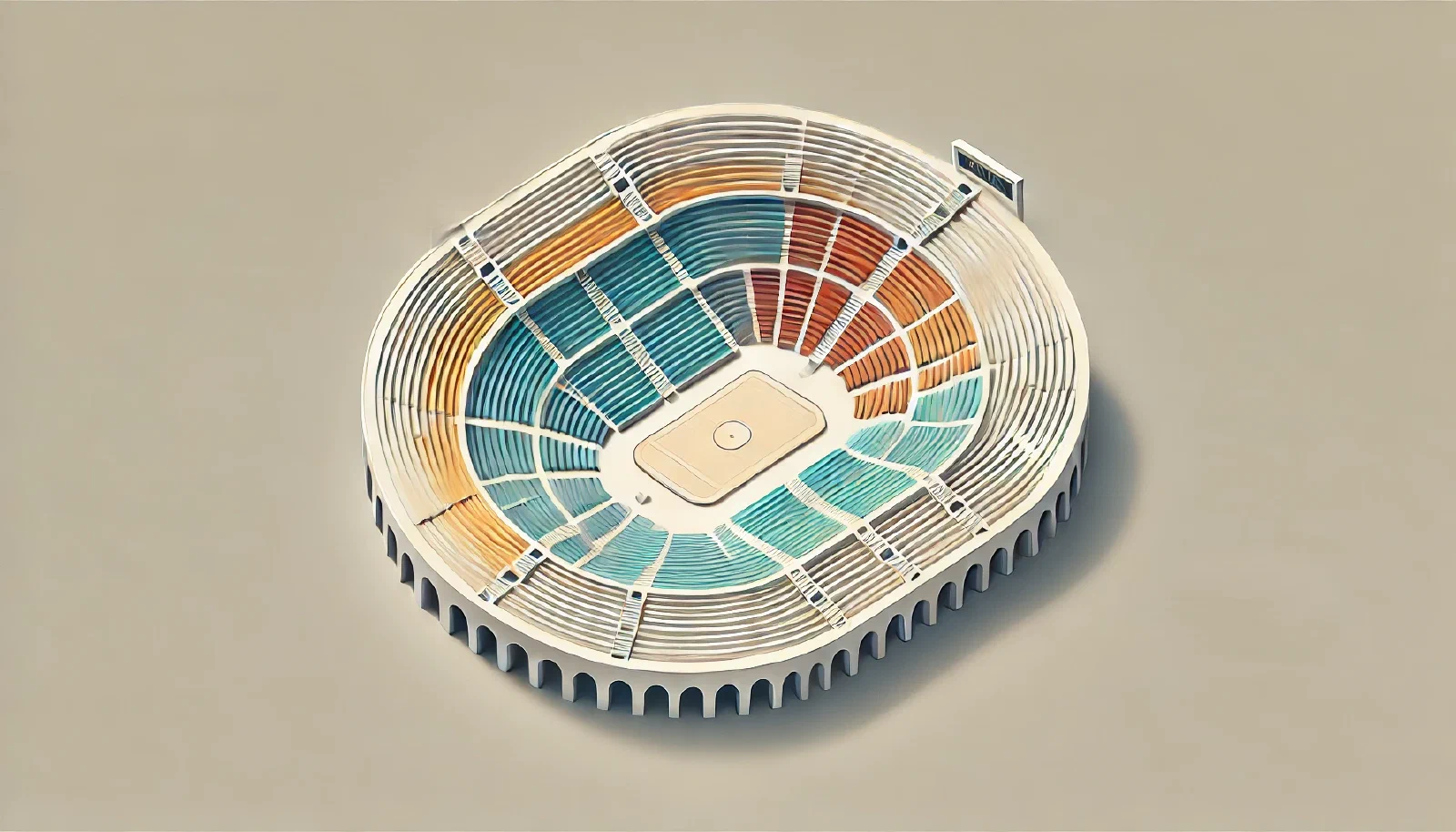
Creating a seating map for any venue, whether it’s a small theater or a massive arena, can be a daunting task. The layout needs to be both functional and visually appealing, ensuring that every attendee has a great experience. For many, the idea of designing such a complex map might seem overwhelming, especially without a background in architecture or design.
But what if there was a tool that made this process not just manageable, but effortless? Enter Seatmap Pro—a professional-grade software designed to simplify the art of seating plan creation. With its intuitive features and powerful tools, even a rookie can design a seating map that rivals the work of seasoned professionals.
This article will explore how Seatmap Pro can transform a seemingly complex task into a streamlined process, enabling you to create a perfectly aligned, visually stunning seating map in just a few hours. From its innovative Venue Shape tool to the ease of auto-outlining sections, Seatmap Pro equips you with everything you need to bring your vision to life, no matter the size or complexity of the venue.
Seatmap Pro is a cutting-edge software designed specifically for creating seating plans with precision and ease. Unlike traditional design tools that require extensive knowledge and time, Seatmap Pro is tailored for both beginners and professionals, making it accessible to anyone who needs to design seating arrangements—from small venues to large-scale arenas.
The software was created with one primary goal: to streamline the seating map creation process. Whether you’re organizing a concert, sporting event, or theater production, Seatmap Pro provides the tools you need to craft a seating plan that meets all your requirements while ensuring that every seat offers a great view and easy access. The platform’s user-friendly interface and powerful features make it a go-to choice for event planners, venue managers, and even designers new to the field.
What sets Seatmap Pro apart from other seating design tools is its combination of simplicity and sophistication. Here are some of the standout features:
These features, combined with Seatmap Pro’s user-friendly approach, make it an indispensable tool for anyone looking to create detailed, accurate, and attractive seating maps. Whether you’re a seasoned designer or just starting, Seatmap Pro empowers you to bring your vision to life with ease.
At the heart of Seatmap Pro lies its powerful Editing and Transformations capabilities, which make designing seating maps both intuitive and precise. The foundational element of any seating map in Seatmap Pro is the section—a collection of seats arranged in rows, much like a grid or a spreadsheet.
Seatmap Pro allows you to effortlessly manipulate these sections with just a few clicks. Here’s how:
One of Seatmap Pro’s most innovative and impactful features is the Venue Shape tool. This tool is specifically designed to handle the challenges of creating seating arrangements in uniquely shaped or large-capacity venues, where traditional design methods often fall short.
The Venue Shape tool simplifies the process of aligning seats to match the natural contours and architectural features of a venue. Here’s how it works:
Creating clear and visually appealing section outlines is essential for any seating map, and Seatmap Pro’s Auto Outlines feature makes this process incredibly simple. This tool is designed to automatically generate section outlines that are both functional and attractive, reducing the need for manual adjustments.
Here’s how Auto Outlines can enhance your design:
For more complex seating maps that require additional graphic elements, branding, or intricate design work, Seatmap Pro’s SVG Background Integration provides the flexibility you need. This feature allows you to seamlessly incorporate custom graphics into your seating map, ensuring a polished and professional finish.
Here’s how SVG Background Integration works:
These features allow you to automate key aspects of your design while providing the flexibility to incorporate custom graphics and branding, making it easier than ever to create professional-grade seating plans. Whether you’re managing a small venue or a large arena, Seatmap Pro equips you with the tools to bring your vision to life with minimal effort.
For a more in-depth look at how to integrate these features into your projects, check out our detailed integration guide here. This guide will walk you through each step, providing tips and best practices to help you get the most out of Seatmap Pro.
Designing a seating map might seem like a daunting task, especially for those new to the field. However, with the powerful tools offered by Seatmap Pro, even the most complex seating arrangements can be created with ease and precision. From its intuitive Editing and Transformations features to the innovative Venue Shape tool, Seatmap Pro simplifies the entire process, enabling you to design layouts that are both functional and visually stunning.
Seat maps are the digital blueprints of an event, guiding attendees to their designated spots.
A ticketing platform is the backbone of any business that sells tickets, whether it's for events, concerts, or flights.
See how venues integrate visual ticketing with Seatmap Pro. From iframe embedding to full API setup, add interactive seat maps to your existing platform in days, not months.