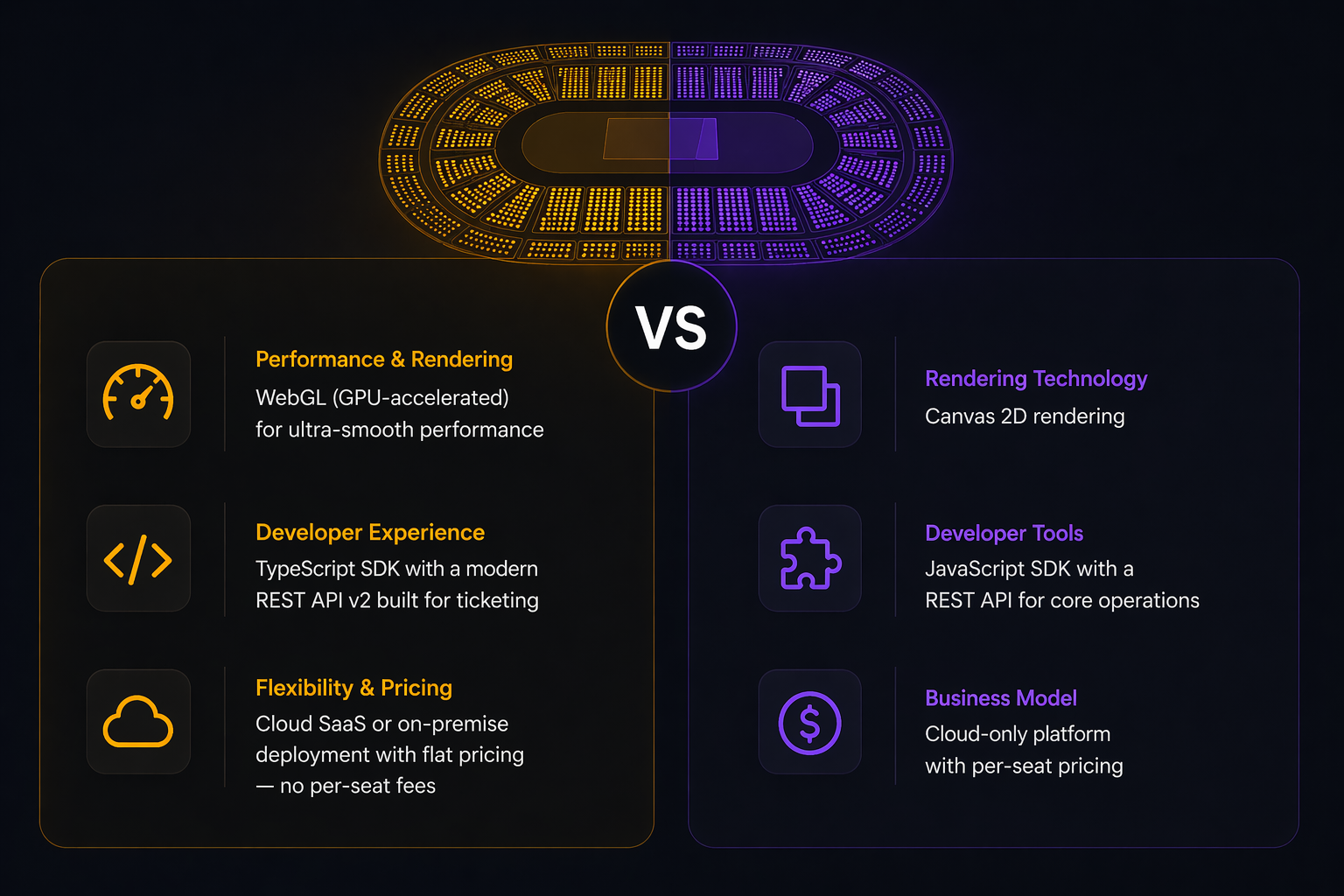
Seatmap Pro vs Seats.io: Which Seating Chart Platform Fits Your Business?
Compare Seatmap Pro and Seats.io head-to-head: rendering, pricing, deployment, API, and SDK. Find the right seating chart platform for your ticketing system.
Our Winter Recap video covers a set of updates that all push in the same direction: less friction in day-to-day venue work.
Our Winter Recap video covers a set of updates that all push in the same direction: less friction in day-to-day venue work.
None of these changes are about adding complexity for its own sake. They make Seatmap Pro easier to read, easier to navigate, and easier to edit when venue geometry becomes more demanding.
Large venues can be difficult to read when everything sits on a completely flat plane. You can understand the structure, but orientation still takes extra effort, especially when you are moving across tiers or checking how sections relate to the field, stage, or rink.
The new 3D view adds that missing spatial context without turning the map into a heavy or hard-to-control scene. You still keep the clarity of a 2D seating map, but the venue becomes easier to read at a glance.
For teams working with arenas and stadiums, that means faster orientation and a more natural visual presentation during review, setup, and client discussions.
Navigation matters most when users are trying to move quickly. Section-based zoom makes that flow much simpler.
Instead of relying on repeated manual zooming, Seatmap Pro can take the user directly to the clicked section. The result is a cleaner path from overview to detail, which is especially useful in large venues where users need to move from the full map to a specific area without extra steps.
It is a small interaction change, but in practice it removes a lot of unnecessary movement.
Curved venues are where editing logic is tested the hardest. It is not enough to make a section look curved. The layout also has to remain stable while teams move sections, align rows, adjust outlines, and continue editing over time.
Path-Based Transformation helps solve that by letting sections follow curved venue paths while keeping the structure editable and predictable. At the same time, transformation handling is safer because incompatible modes do not keep stacking on top of each other.
That gives teams a simpler editing model: apply the transformation you need, keep the geometry controlled, and avoid the kind of compounding transform behavior that makes curved layouts brittle.
Seat numbering is one of those details that seems small until you have to repeat it across multiple schemas.
With numbering defaults, teams can define row and seat numbering rules once at the schema level and keep them consistent from the start. Formats, direction, starting values, and step logic can all be set up in advance, with previewable behavior before the map is finalized.
This is especially useful when venues use non-sequential patterns, mirrored numbering, or mixed conventions that should not have to be rebuilt manually each time.
Taken together, these updates make Seatmap Pro more practical in the places that matter most: understanding the venue faster, reaching the right section faster, editing curved layouts with more confidence, and setting up numbering with less repeated work.
If you want to see these changes in action, the Winter Recap video is the best place to start.
Compare Seatmap Pro and Seats.io head-to-head: rendering, pricing, deployment, API, and SDK. Find the right seating chart platform for your ticketing system.
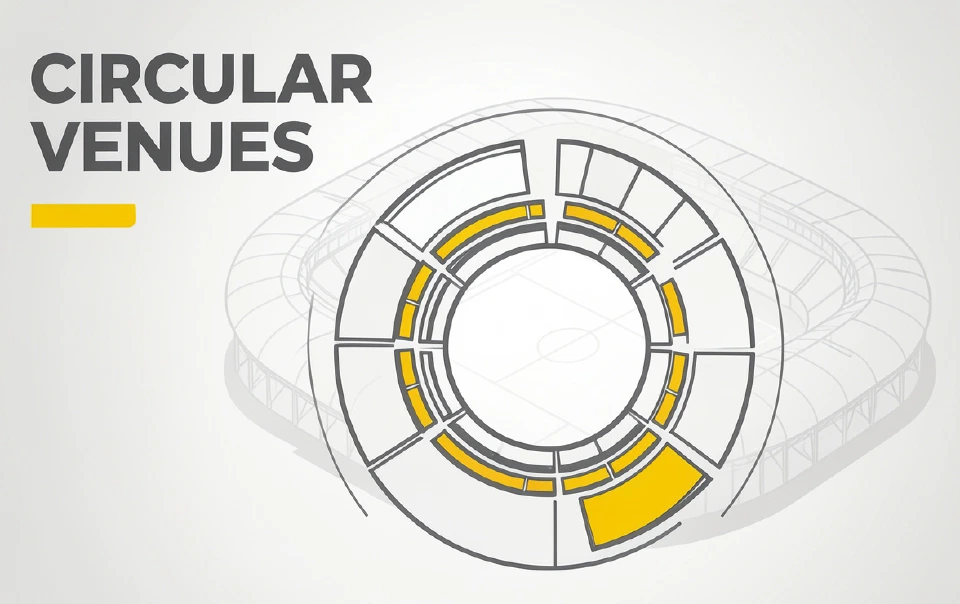
For many ticketing teams, circular venues are where seat map quality is tested the hardest.
This release cycle combines several closely related updates to Seatmap Pro, focused on three areas: stronger administration tools in the Editor, a more