Seatmap Pro 1.74.0: Venue Shapes, Event Series and Draft Saves
Draw chamfered and curved venue shapes, rebuild a converted arena from its seats, run event series through the Booking API, and keep embedded saves in draft.
How long a 34,476-seat stadium takes to open in Seatmap Pro, how zoom holds 60 fps on a mid-range Android phone, and what changed after a mobile memory incident.
Most tickets for a big match are bought on a phone, often a mid-range Android one, often on a weak connection. The seat map is the heaviest thing on that checkout page. If it opens slowly or stutters under a thumb, the buyer leaves before they pick a seat.
Our new film shows a stadium map at every scale, from one seat to the whole bowl and back through a laptop, a phone, and a 3D view. This post gives the numbers for the phone part.
In July 2026 we measured a warm start end to end on a 34,476-seat stadium, from the click that opens the event to a map the buyer can use. It took 0.9 seconds.
The same test on smaller venues shows how the time grows with the data:
| Venue data | Time to an interactive map |
|---|---|
| 34 KB | 485 ms |
| 1,290 KB, 236 sections | 681 ms |
| 1,868 KB, 34,476-seat stadium | 840 ms |
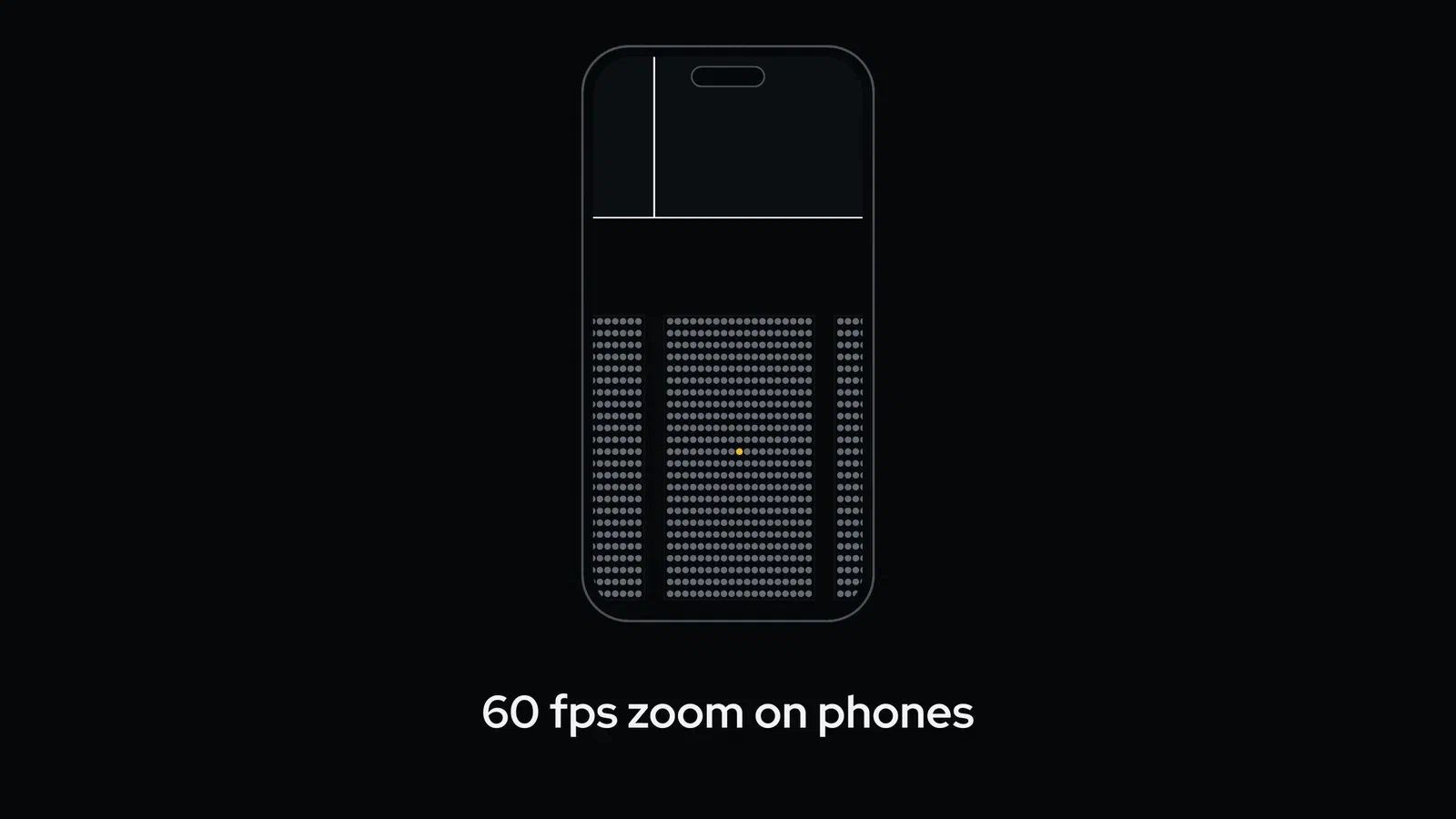
Fifty-five times the data costs 1.7 times the wait. The median frame rate stays at 59.9 fps at every size in this test, and zooming and panning hold 60 fps with 60,000 seats on a mid-range Android phone.
We took these numbers on our own test venues and didn’t benchmark every device. They show how the curve bends. A stadium takes less than twice as long to open as a small hall.
On a phone, a stadium map usually runs out of memory long before the seat count becomes a problem.
In version 1.65.12 we found that loading the background image of a 34,476-seat venue used about 700 MB of video memory, and some mobile browsers closed the page. We fixed it with Constrained GPU mode. The Renderer detects a device with a small GPU budget, loads a preview of the background at about 1,000 px, and adds detail crops of up to 2,048 px, with a 30% margin, only for the part of the venue on screen. The buyer sees the same map, and the phone keeps the page open.
The defaults are tuned for a small screen:
For the rendering side of this story, WebGL against Canvas 2D in detail, see WebGL vs Canvas 2D for Seating Chart Rendering.
On a phone, a stadium map has to open fast, keep its frame rate under a thumb, and fit in memory. In our tests the 34,476-seat stadium was ready in under a second and zoom held 60 fps. On devices that need it, Constrained GPU mode keeps memory in check.
To check it on your own venue and your own phone, open the Playground or book a demo.
Draw chamfered and curved venue shapes, rebuild a converted arena from its seats, run event series through the Booking API, and keep embedded saves in draft.
Go from venue schema to confirmed booking with the Booking API, one call at a time: event, prices, map, hold and sale, with the error case at each step.
Stop two buyers from holding the same seat. A server-held booking session owns the seats in its cart and, after payment, sells all of them or none.